Dear artists, students and parents, 
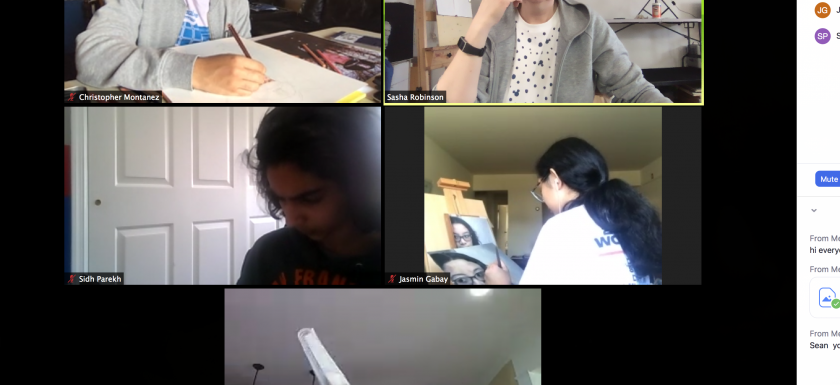
MAS is fully up and running online since 3/14/2020. Classes are filled with information, techniques and more due to a new delivery online!
We are aware that some students may not have all of the supplies, so for the first online week we altered our studies to utilize supplies that you have at home: printer paper, regular and color pencils, eraser and possibly watercolors. If anyone has their own supplies at the studio and wants to pick them up, some teachers will be at the studio (just please text us that you are coming).
Date and time to pick up your supplies from the studio: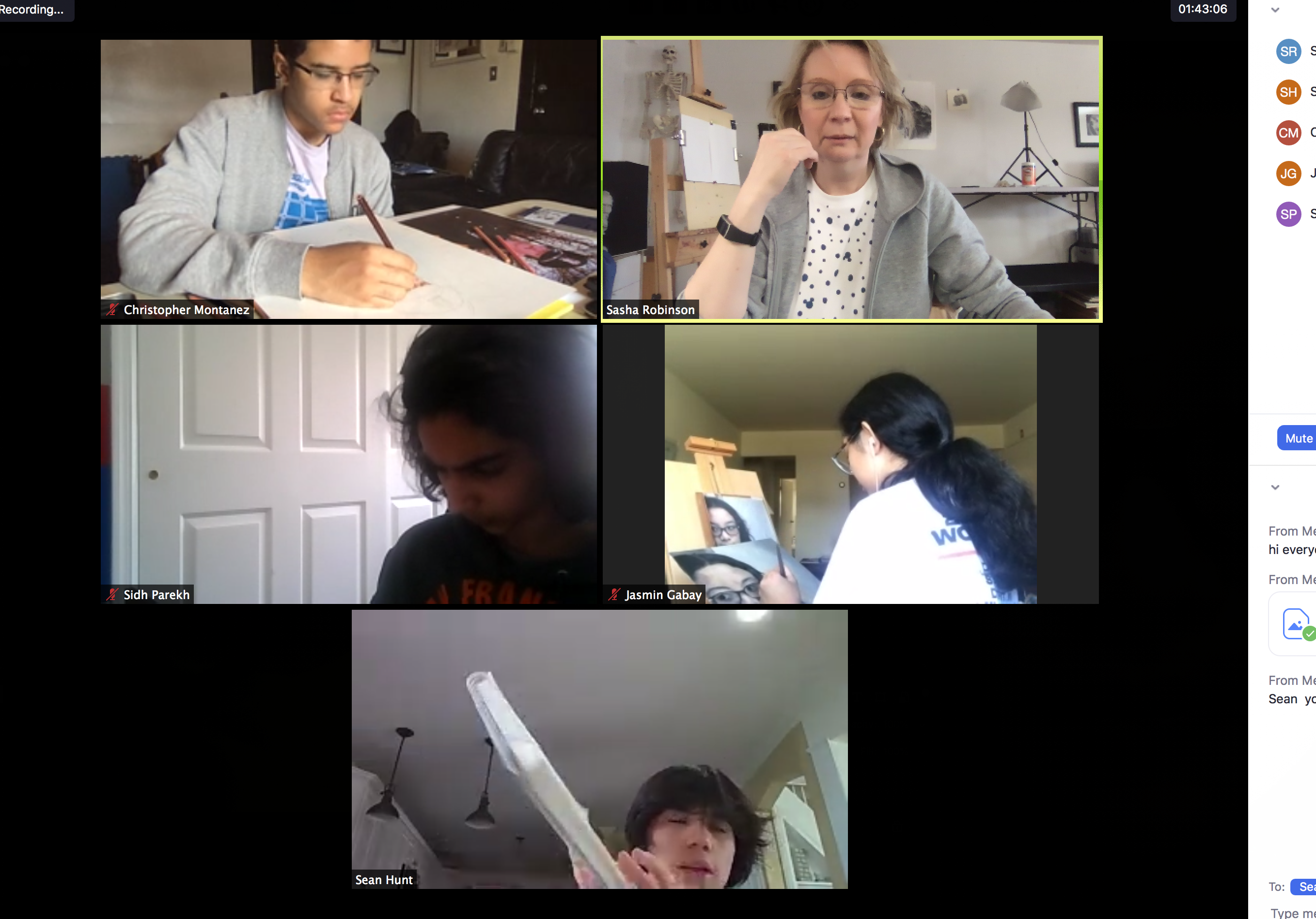
–Today, Monday, 3/16 from 5-8 pm
–Tuesday, 3/17 4-8 PM
Test login times:
–Monday, 3/16 from 2:30-3 pm only for Monday 5 PM and 6:30 PM students.
–Monday, 3/16 from 9-9:45 pm.
–Tuesday, 3/17 from 1 to 2 pm
Tuesday, 3/17 from 9-9:45 pm
Online Classroom Setup
- You will need a computer with a camera. Go to zoom.us and download the software client to your computer.
- Send us an email letting us know you are ready to join our class (zoom calls it “meetings”) and we will send you your meeting number.
- All classes will currently be at the time of your regular art class
- You will receive an email with the meeting number prior to your class with the link to join that particular class. This number will be the same for your class next week until 3/31 when Winter session ends. Soon we will send email regarding the Spring session
- All Classes will end 5 min earlier to allow us to set up for the next class, to start on time. So if you are in a 1 hour class, that class will last for 55 min, 1.5 h–85 min and 2h–115 min.
Your Room Setup
- Position your computer on the table, so we can see you
- Make sure that there is no source of light/window behind a person (to reduce glare/lack of visibility)
- It is best if you have a solid background behind you (green color is the best, this way you can play with virtual backgrounds)
- Each student will be able to SEE teacher’s step by step live demo and follow along. After each step each student will be showing what they made before continuing to the next step
- Teen students, Portfolio students and adult students should have two devices connected if possible: computer and your phone. Phone should be assembled on a cell phone holder (tripod, gooseneck of some sort) and pointing as a close up of the paper you are drawing on. Email us if you are having trouble setting this up. We will update this post with suggestions of what to buy as soon as we find appropriate choices.

We will see you online!
MAS